Picture-in-Picture + Miniplayer for YouTube
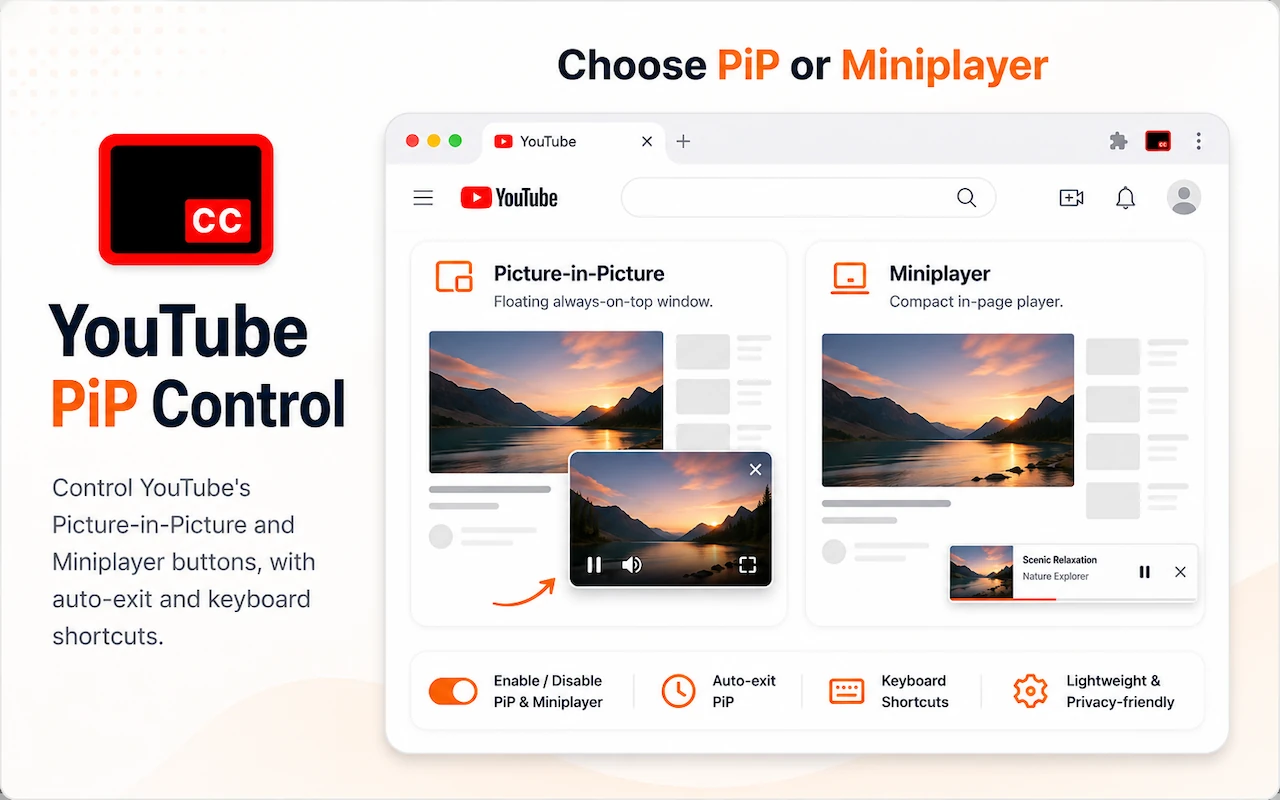
Take back control of YouTube's player bar. Picture-in-Picture and Miniplayer buttons, right where you want them — with auto-exit and keyboard shortcuts.
Add to ChromeProduct preview
PiP and Miniplayer buttons back in YouTube's control bar.
Features
Picture-in-Picture button
Show or hide the PiP button right in the YouTube control bar — no more digging through right-click menus.
Miniplayer button
Bring the Miniplayer button back to the control bar, even when YouTube hides its own.
Auto-exit PiP
Automatically leave Picture-in-Picture when the video scrolls back into view.
Keyboard shortcuts
Toggle each feature instantly with Alt+E, Alt+A, and Alt+M.
Privacy first
No tracking, no analytics, no accounts. All settings stay local in your browser.
14 languages
Localized UI in English, 简体中文, 日本語, Español, and more.
Keyboard shortcuts
- Toggle the Picture-in-Picture buttonAlt + E
- Toggle auto-exit PiPAlt + A
- Toggle the Miniplayer buttonAlt + M
On macOS, Alt is the ⌥ Option key.
Get started
PiP and Miniplayer buttons back in YouTube's control bar.